
- Nuwa Identity Kit helps to manage your DID key and signs transactions on your MCP server.
- Nuwa Payment Kit provides a drop-in replacement version of the FastMCP server wrapper (
createFastMcpServerFromEnv) that lets you config paid MCP tools easily.
/mcp endpoint and declare free and paid tools in the same way you build your MCP.
Quick start
Before you start: you need a Service Key for your service DID. Follow the
Service Key guide to create one on cadop-web and copy it
as
SERVICE_KEY.1
Install
2
Create a minimal server (from env)
mcp/index.ts
3
Set environment variables and run
4
Try Your MCP with Cap Studio
Go to Nuwa Cap Studio and use the MCP tools to try your MCP server.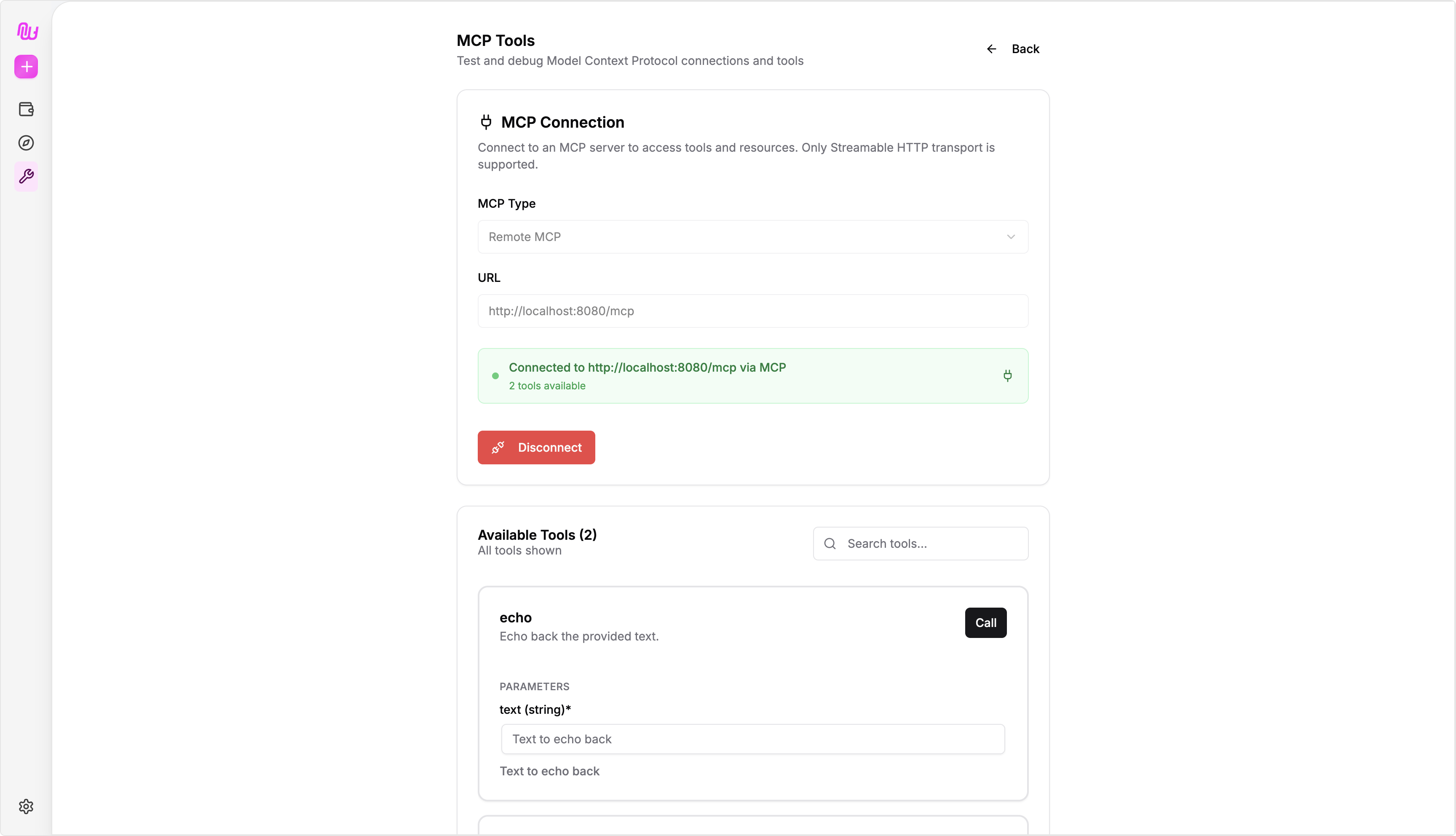
createFastMcpServerFromEnv
createFastMcpServerFromEnv is a drop-in replacement for the FastMCP server wrapper (createFastMcpServer). It injects extra fields in the input and output to make the it Nuwa-Compatible and payment possible:
- The wrapper injects
__nuwa_authand__nuwa_paymentinto the input. - For output, it adds a payment resource to the returned object.
Tool Caller DID
You can obtain the DID of the MCP tool caller via the context input:Relevant Docs
Revenue
View balances, withdraw, and audit revenue history
Service Key
How to obtain and configure SERVICE_KEY